
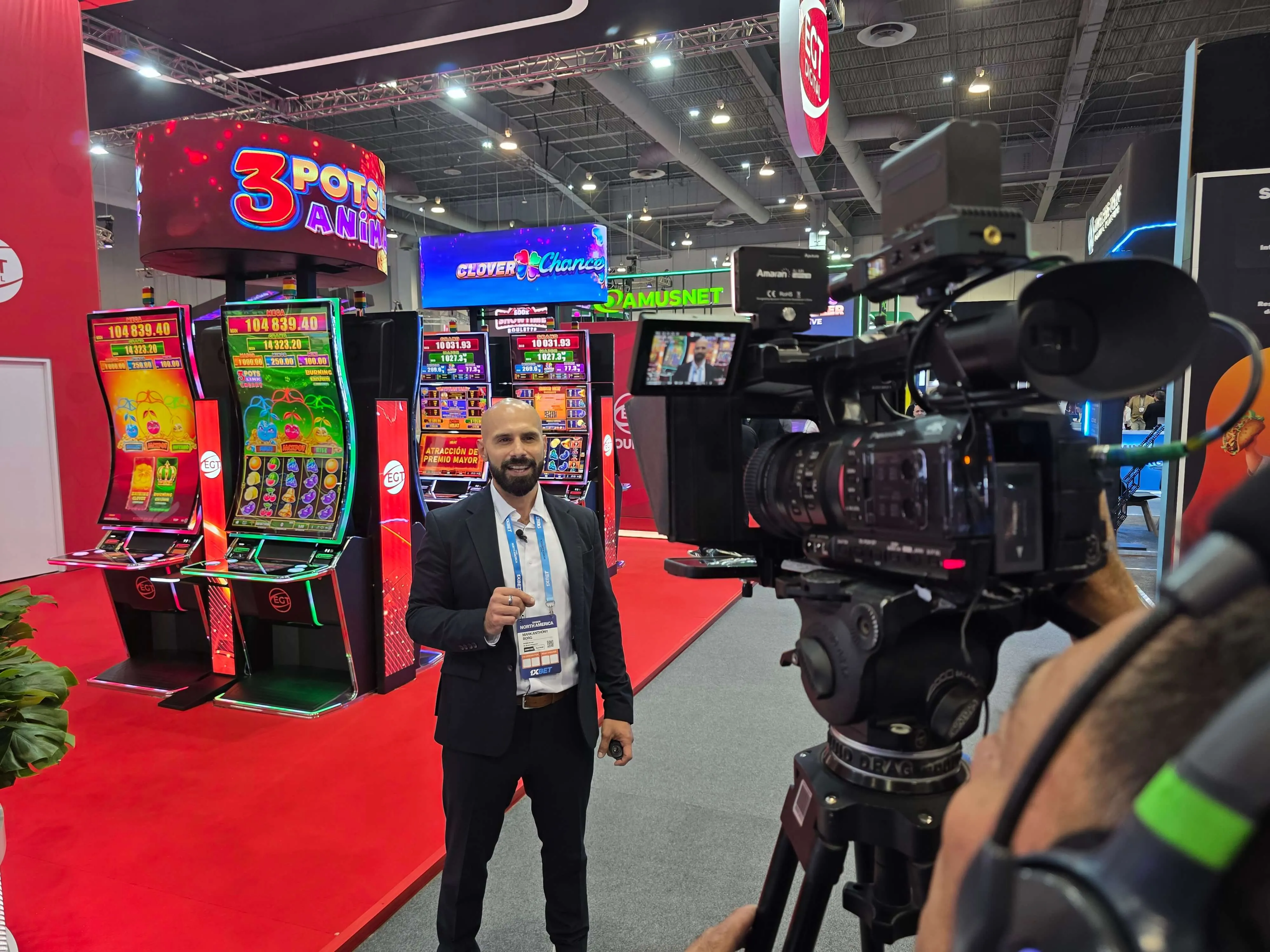
SiGMA · Mexico City
SiGMA North America 2026
An awards ceremony and two conference days in Mexico City, produced as one video scope feeding room screens and two live streams.
Video production and streaming by First Impact for SiGMA.
Core service
When the people watching online matter as much as the people in the room, the stream needs direction, clean audio and a plan for when conditions change.
Live streaming and broadcast production turns an event, a town hall or a studio session into a directed program for an online audience. It combines cameras, audio, graphics, presentation sources and remote guests into one mixed feed, delivers it to your platform and records it. A standard video meeting sends a webcam; a production directs what the audience sees and hears.
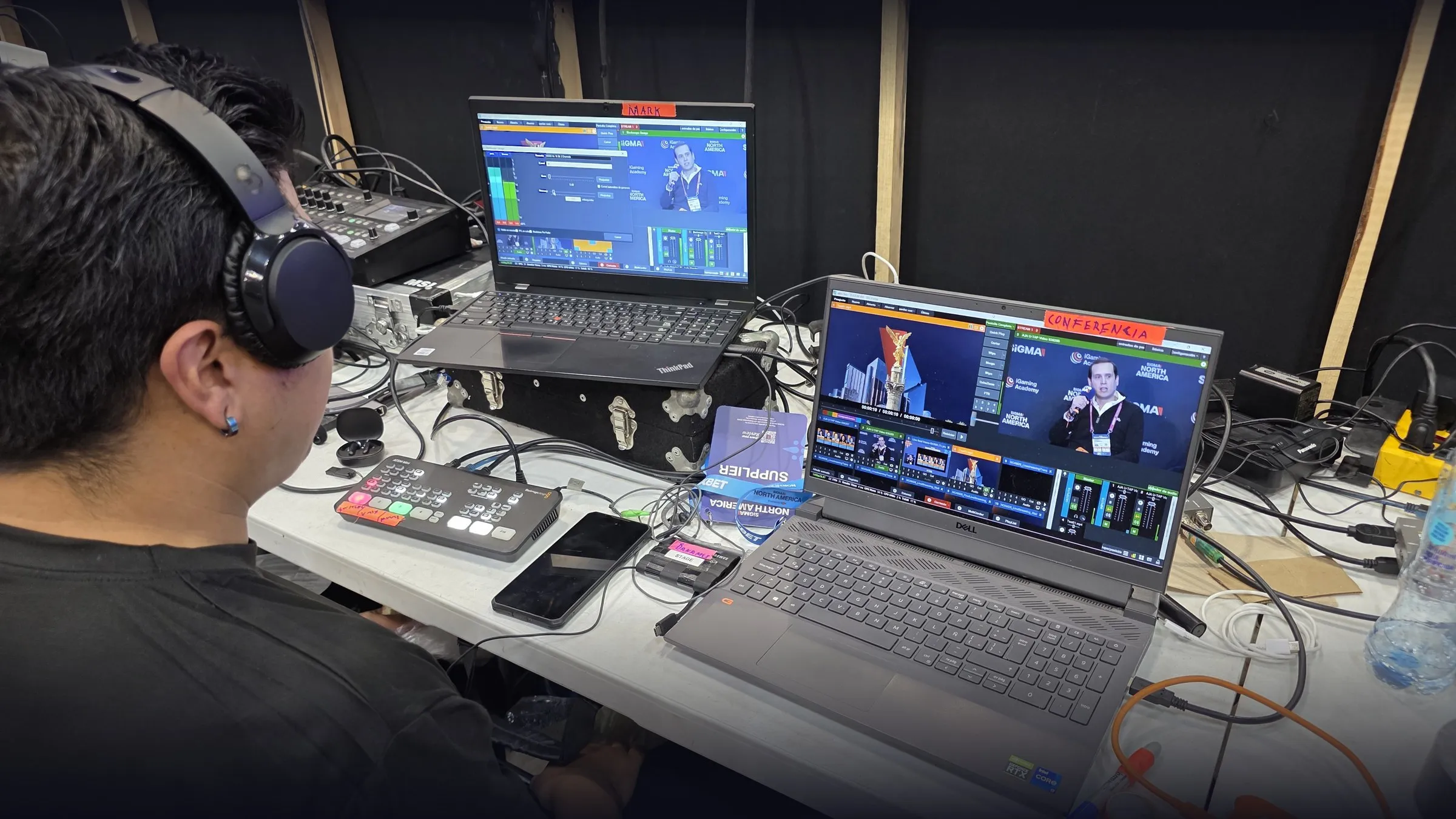
A stream is only as good as what feeds it. The scope may cover any of these, depending on the program:
Operated and PTZ cameras with angles planned for the program, not just the stage.
A separate broadcast mix, so the online audience hears speakers clearly rather than the room’s PA.
A director and switcher operator cut cameras, slides, video and graphics as the program happens.
Lower thirds, titles and holding slides from your design package, played live.
Guests joining by Zoom, Teams or similar brought into the program as a clean source, with return audio so they can hear the room.
Delivery to the platform you already use (YouTube, Vimeo, Teams, Zoom, a registration or private platform), subject to its supported inputs.
Review of the venue’s internet, dedicated lines where available and backup connections planned in proportion to the risk.
Program and camera recordings captured locally, independent of the stream.
Two different protections
These are separate measures, and a proposal should say which ones are included.
The program is recorded locally (often on two recorders). If the stream drops, the content still exists and can be published afterwards. It does not keep the live audience watching.
Measures that keep the live stream running: a second internet connection, bonded or cellular links, a backup encoder or a secondary stream destination. What is feasible depends on the venue and platform.
No connection or system can be guaranteed. We plan protections in proportion to how costly an interruption would be, and we tell you what is and is not covered.
These depend on your platform, your accounts or third parties, so we confirm them per project:
We confirm the audience, the platform, who controls the account and what inputs it accepts.
Cameras, audio, graphics, remote guests and connectivity are planned around the program.
A written scope lists inclusions, exclusions and which protections apply.
We test the venue connection and the platform, and rehearse with speakers and remote guests where possible.
Directed program, monitored stream and local recording throughout.
Recordings and any agreed edits are delivered in the agreed format and timeframe.
Streaming budgets are driven by the production, not by the stream itself:
Share a budget range in your brief and we will propose a scope that fits it, with the trade-offs of each option.
SiGMA · Mexico City
An awards ceremony and two conference days in Mexico City, produced as one video scope feeding room screens and two live streams.
Video production and streaming by First Impact for SiGMA.
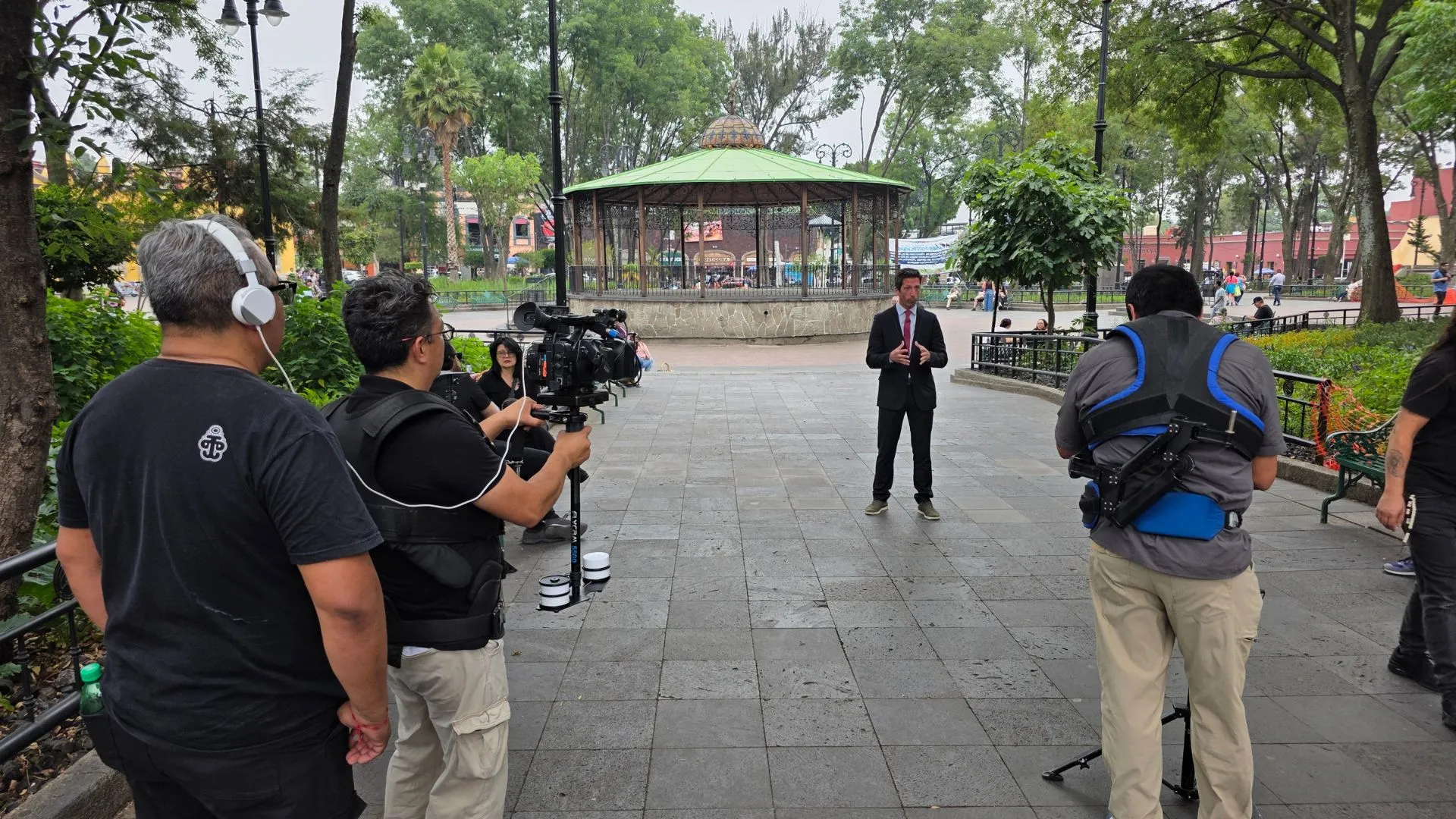
Expertise France · Mexico City
Five locations in three days, in-person and outdoor interviews and remote experts on Zoom, delivered as one mastered program.
Broadcast production by Castelein AV for Expertise France.
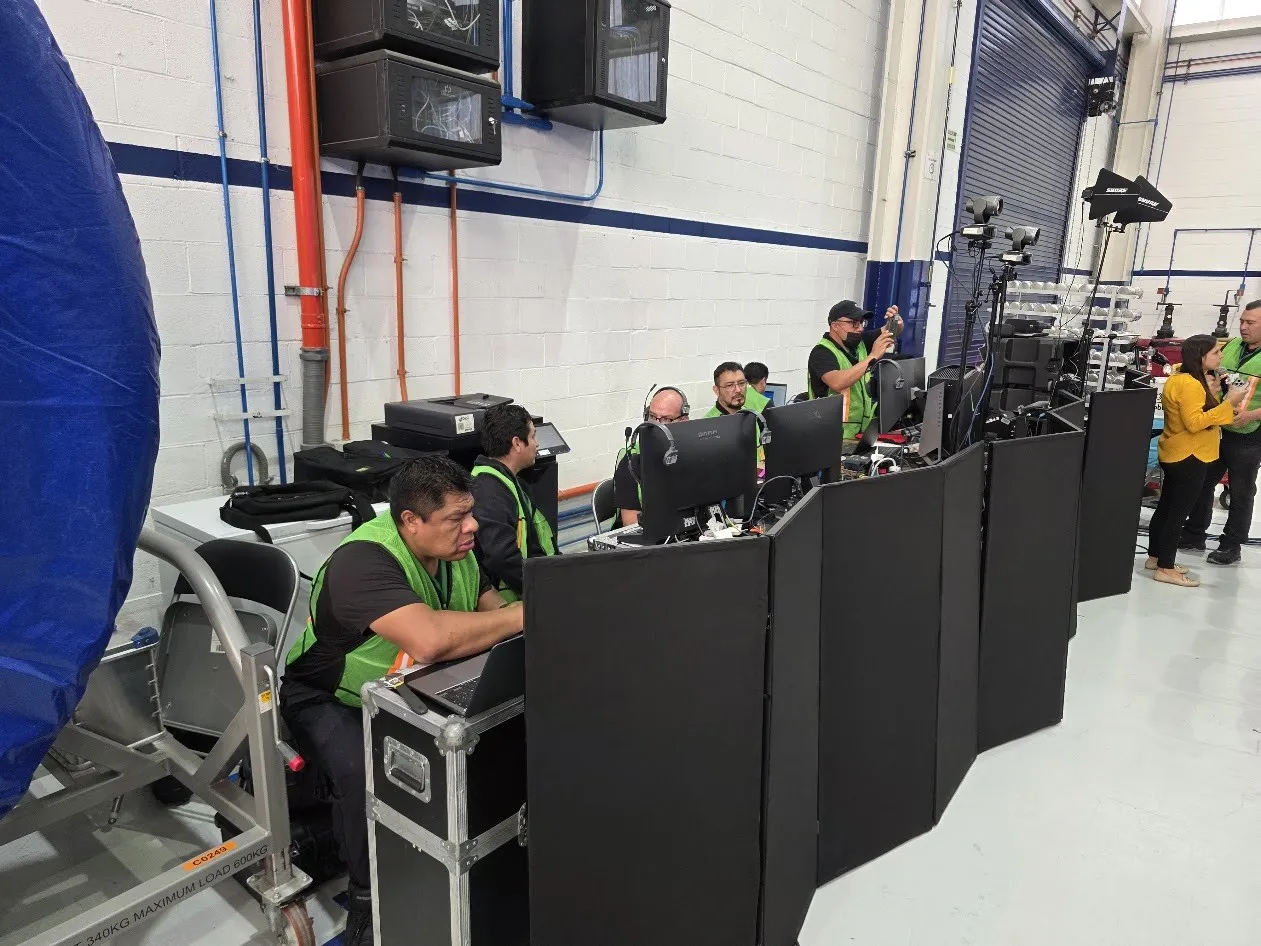
ITP Aero · Querétaro, Mexico
A hybrid All Hands on an aerospace plant floor: 125 people in the room and more than 1,500 colleagues on Teams in four countries.
Turnkey production by Castelein AV for ITP Aero.
A video meeting transmits a webcam and a microphone; a professional stream transmits a directed program. Production adds cameras, broadcast audio, graphics, presentation control, live switching, monitoring and local recording.
Teams and Zoom are still useful as platforms or as a way to bring in remote speakers. The difference is what you feed into them and who is watching the output.
Live Streaming & Broadcast Production · Microsoft Teams vs Professional Event Broadcasting
Compatibility depends on what inputs the platform accepts, how the account is configured and who controls it. Some platforms take a standard streaming input (such as RTMP or SRT); meeting platforms like Teams or Zoom work differently and depend on meeting settings and permissions.
Send us the platform name, the account owner and any delivery specifications early. We confirm the connection method, video and audio formats and a test slot before agreeing the final workflow.
A livestream needs a stable, preferably dedicated, wired upload connection with headroom above the stream’s bitrate. Stability matters more than the headline speed in the venue’s brochure.
The right figure depends on the number of streams, their quality and any remote speakers sharing the line. We test the actual connection at the venue and, when the risk justifies it, plan a second connection.
How Much Internet Bandwidth Does Professional Livestreaming Need?
What happens depends on the protections agreed for your event. With a backup connection or a bonded/cellular link, the stream can switch over; without one, the stream may drop while the local program and recording continue.
We agree the protections and the response plan in advance, including who informs the audience and what the room sees, so the team knows what to do if it happens. No connection can be guaranteed, and the proposal states what is and is not covered.
A recording backup protects the content; live failover protects the live audience’s viewing. They are different measures.
Recording the program locally (often on two recorders) means the content exists even if the stream drops, so it can be published afterwards. Live failover means the stream itself keeps running, for example through a second connection, a backup encoder or a secondary destination. A proposal should say which of these is included.
Yes. We can record the program and individual cameras and deliver the files after the event in an agreed format and timeframe.
Editing, highlight versions, subtitles and hosting a replay page are separate items that we quote when you need them.
Yes. We bring remote speakers into the room and the program through Zoom, Teams or a similar platform, with return audio so they can hear the room and follow cues.
Results depend on the speaker’s connection, camera, microphone and lighting, so we recommend a technical check with each remote speaker before the event and keep a fallback for their content, such as a pre-recorded version, when the moment is critical.
Hybrid Events & Multi-Site Production · How to Include Remote Speakers in a Live Conference
Remote speakers, Zoom or Teams integration, and several rooms or locations connected into one program that works in the room and online.
Audio, LED and video, lighting, cameras and crew for conferences, corporate events and launches, coordinated with your venue and run to your show flow.
Event information, agenda, livestream and replay pages, built alongside the production and connected to your registration platform.
Send us your brief
Share what you know so far: dates, city, venue, audience and what the production has to do. Unknowns are fine. We reply with questions or a scope-based proposal.